

Description
See It in Action
Real installations and reviews from Tesla owners worldwide.
Installation Guide
Step-by-step Model Y Juniper installation.
Product Showcase
A stunning look at features and operation.
User Experience
Real owner upgrade review.
Model 3 Highland
2024 Highland installation & test drive.
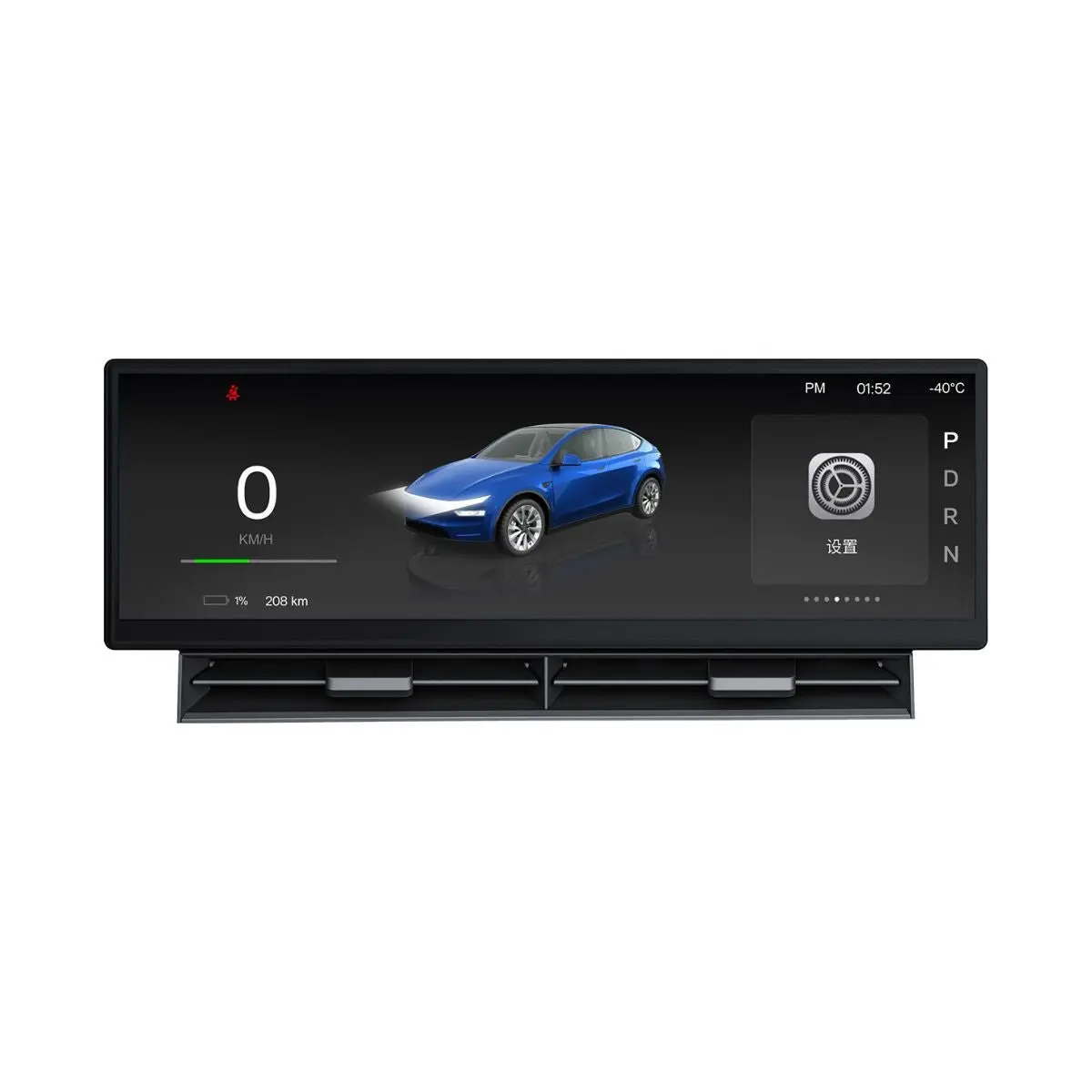
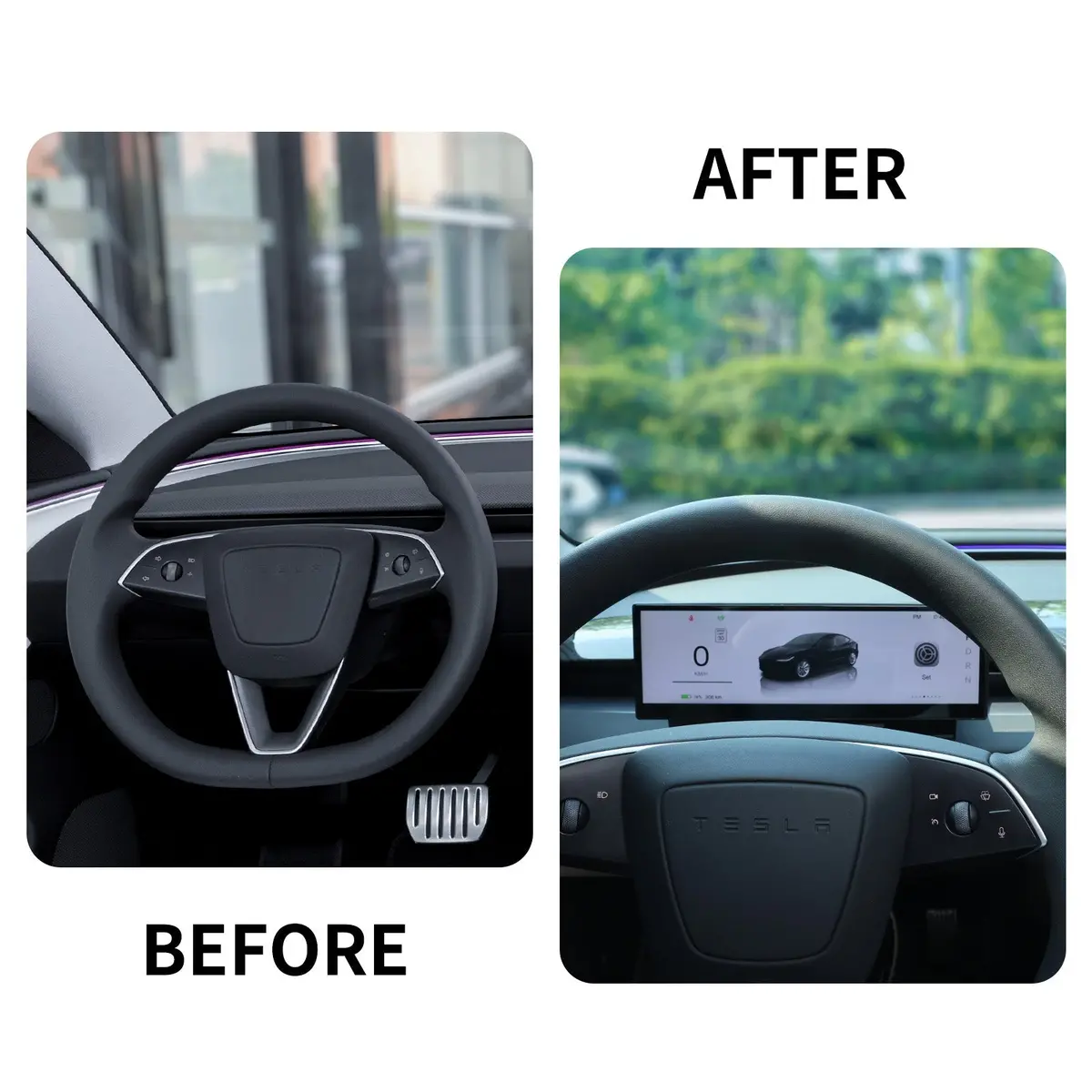
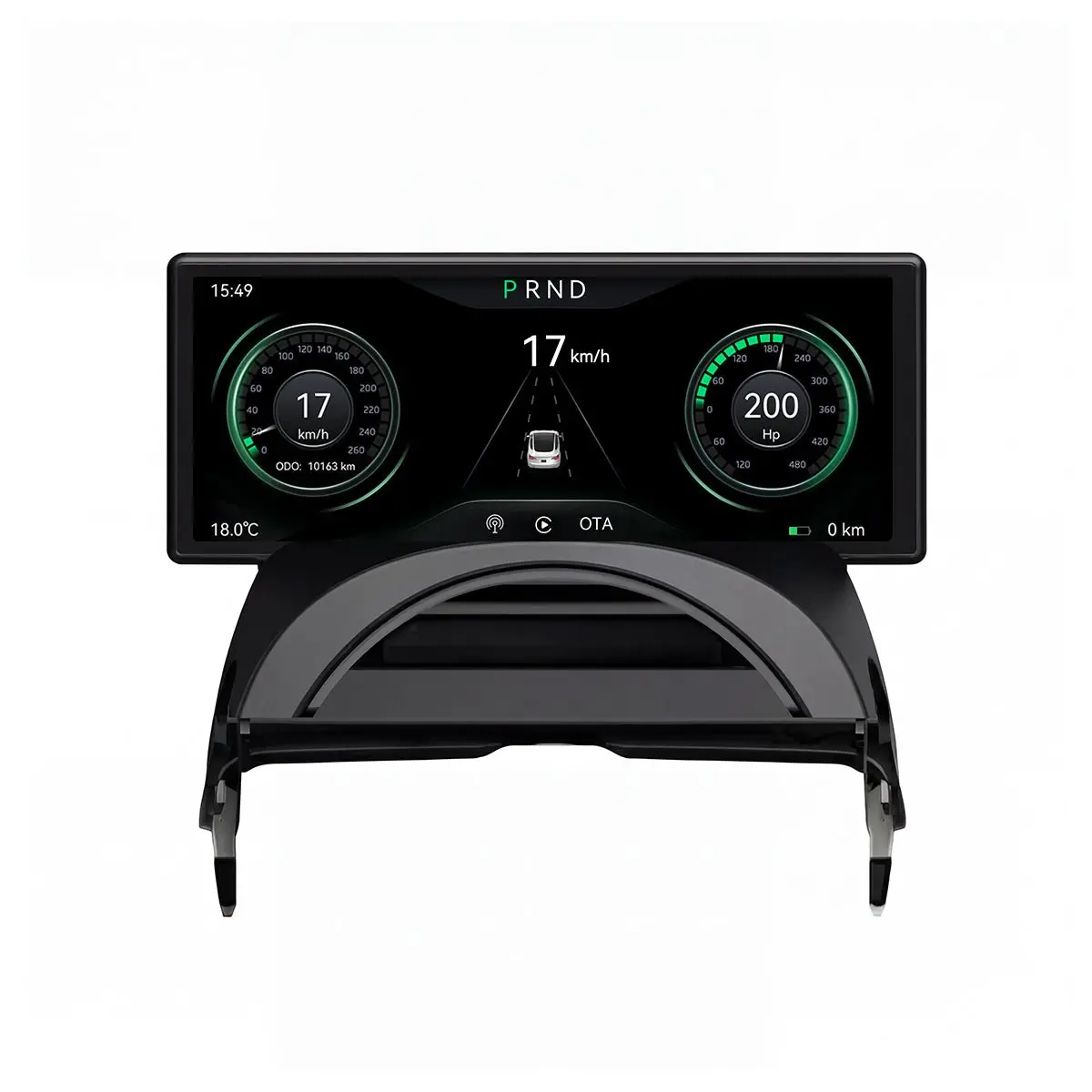
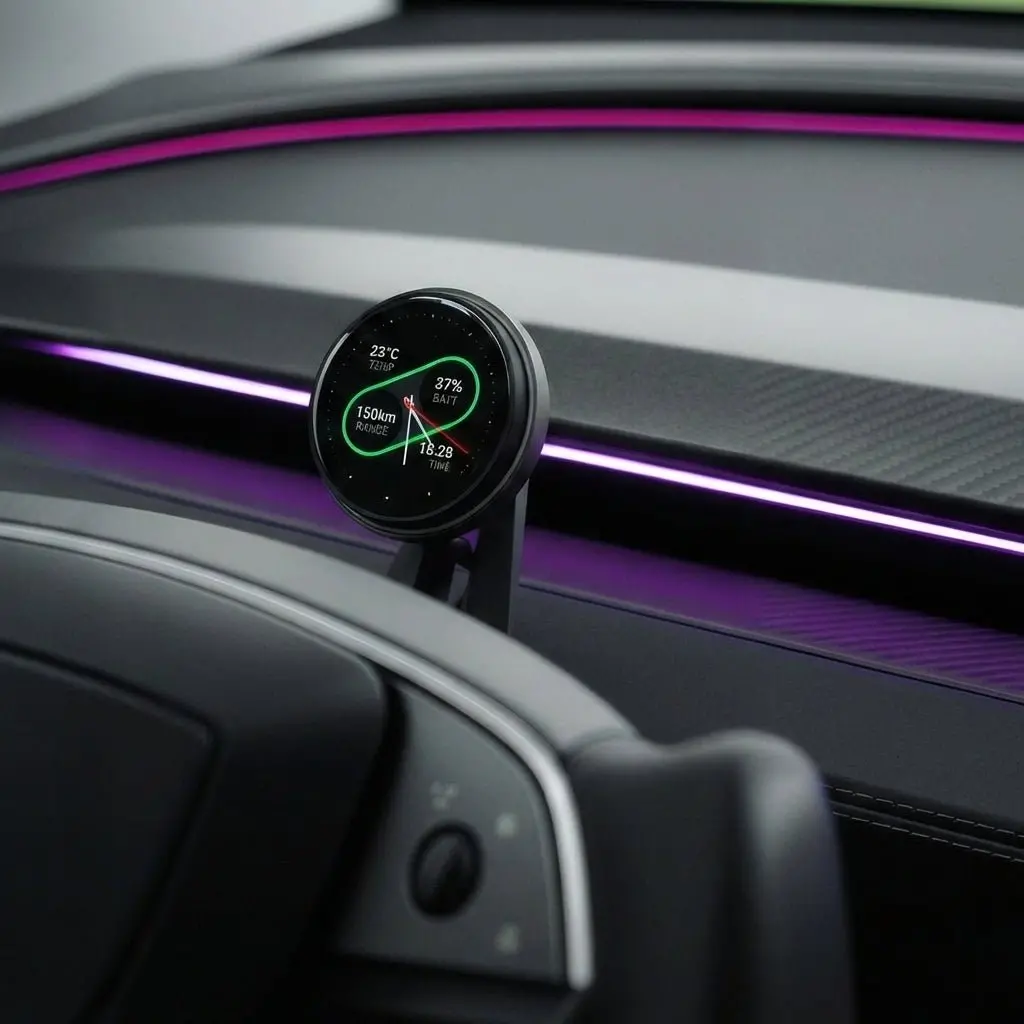
10.88-Inch Smart Dashboard
Transform your Model 3/Y driving perspective.
Wireless CarPlay/Android Auto · Syncs Original Data · 1920×535 Retina Display · OTA Updates
Key Features
Ultra-Clear Wide Screen
1920×535 resolution, 1000 nits brightness. Crystal clear visibility even in direct sunlight.
Real-Time Data Sync
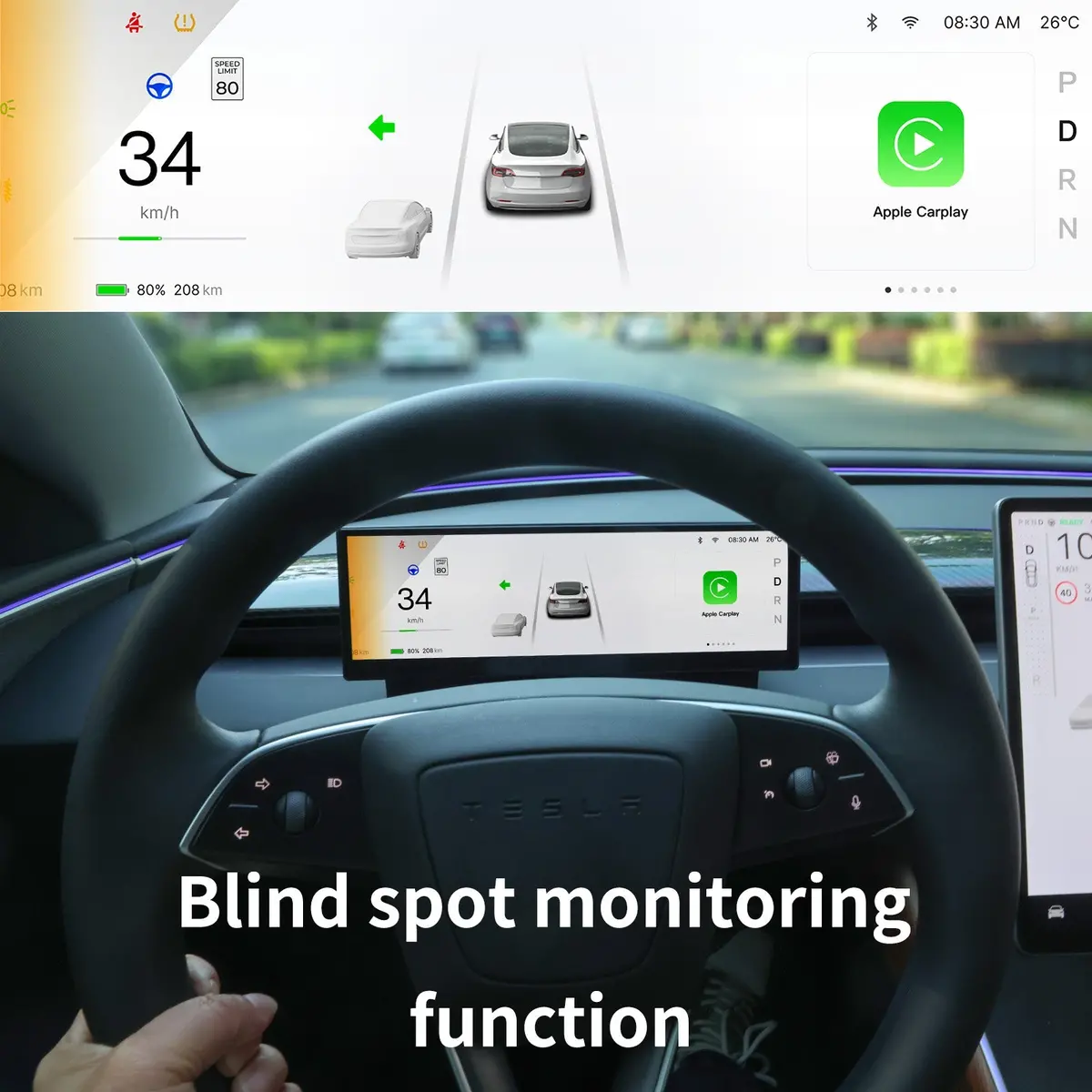
Seamlessly syncs speed, gear, tire pressure, and turn signals via the original CAN Bus.
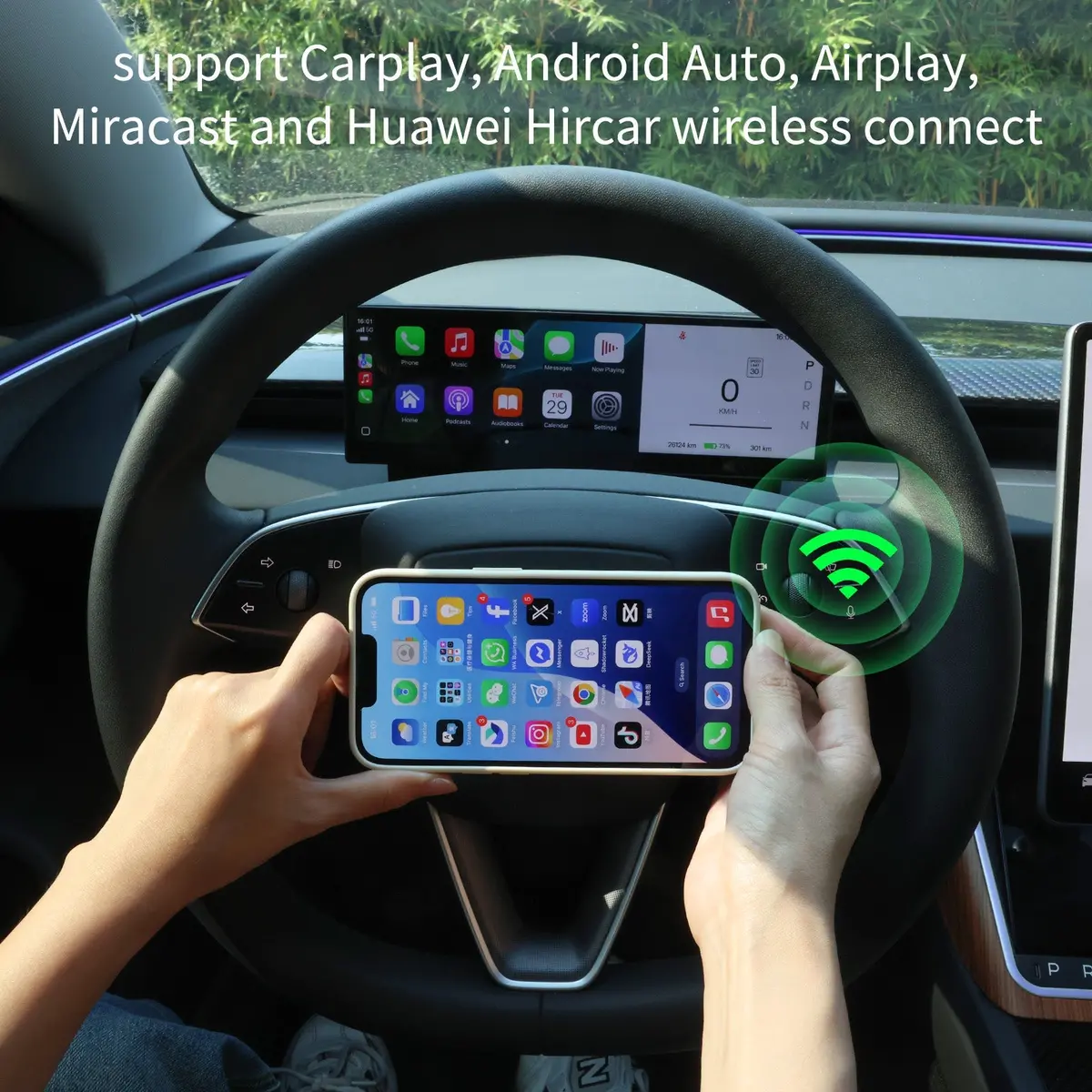
Wireless Connectivity
Supports wireless CarPlay & Android Auto for seamless navigation and music streaming.
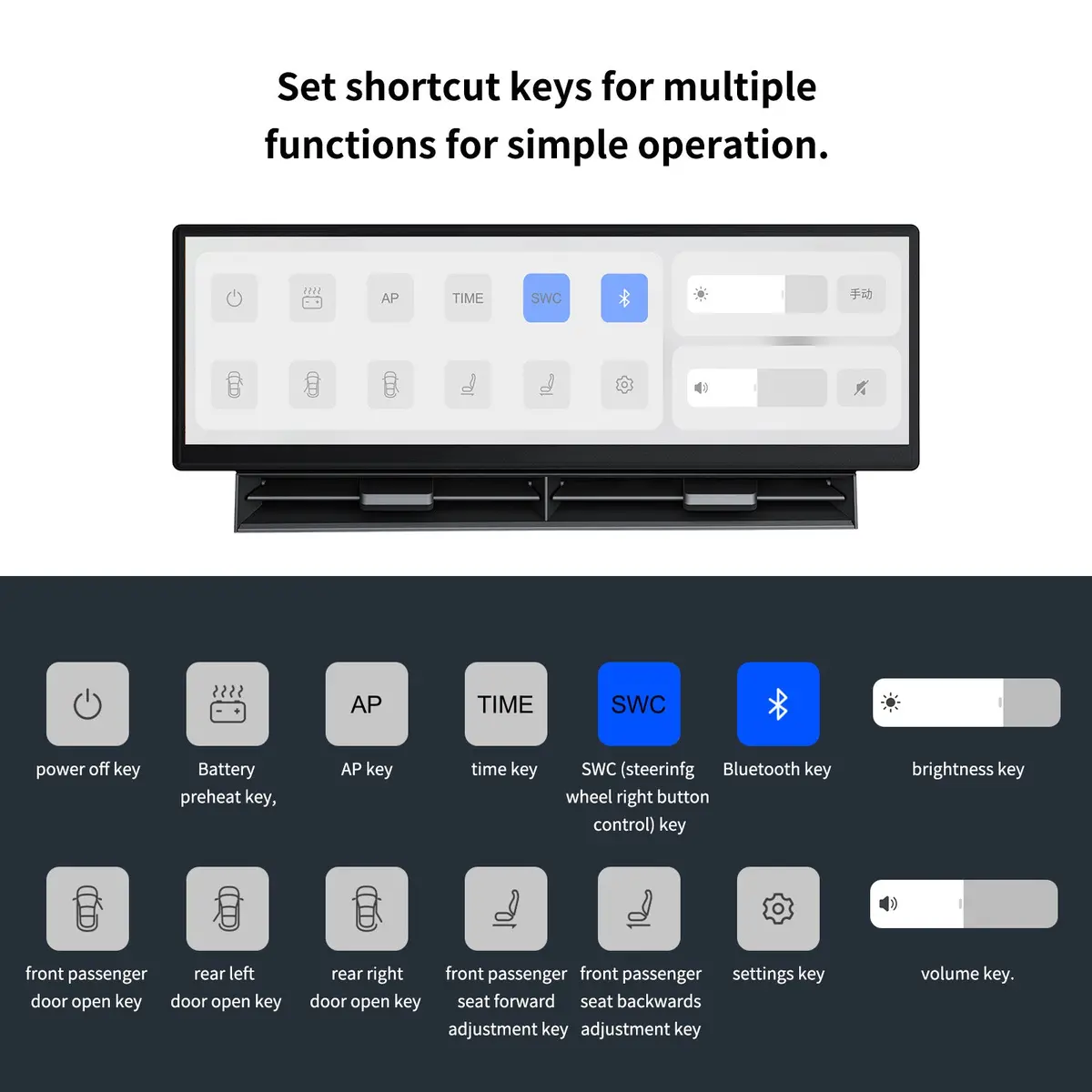
Smart Touch Control
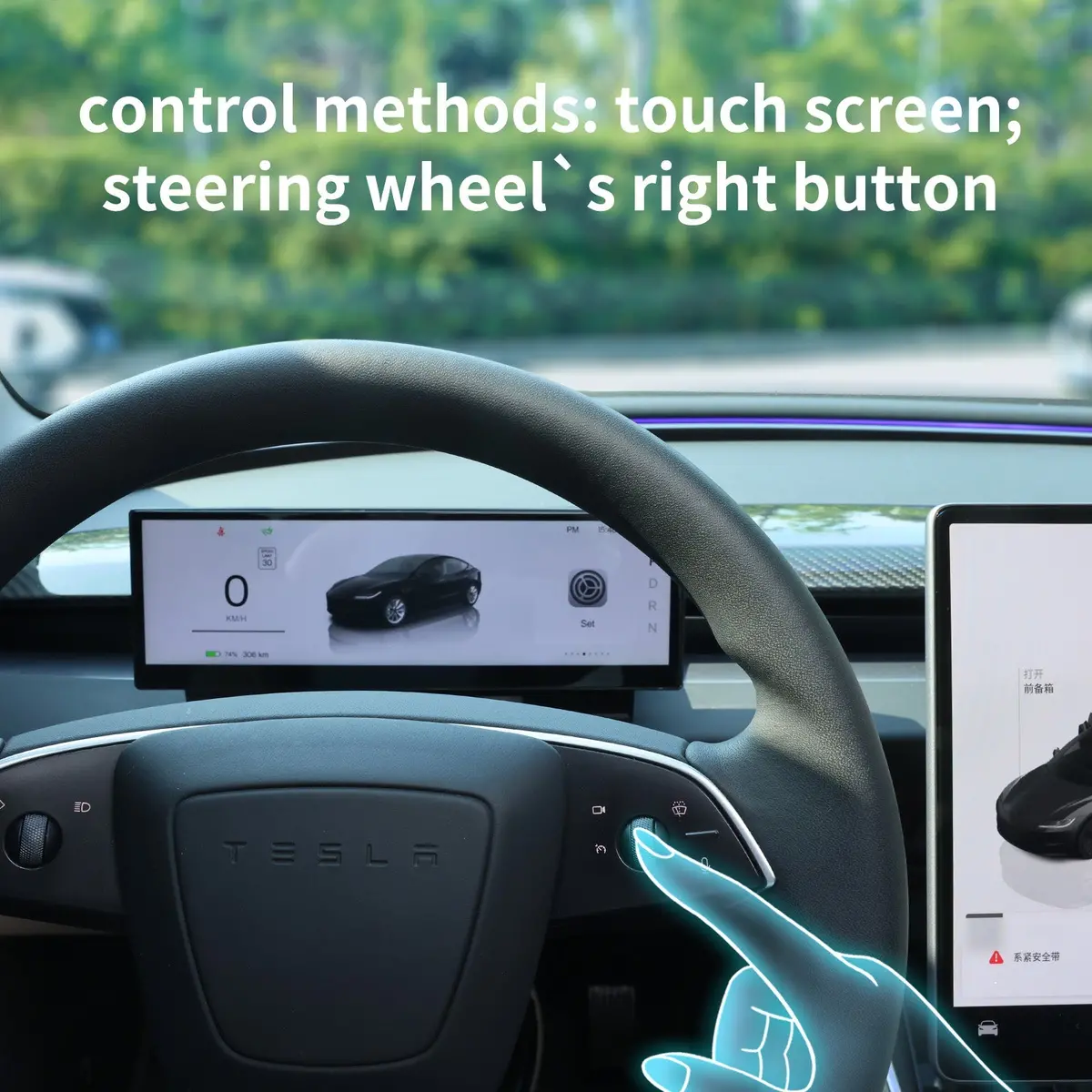
One-tap control: Autopilot, battery preheat, door unlock, seat adjustment, and more.
Seamless OTA Updates
Supports over-the-air firmware updates to keep your system evolving without cables.
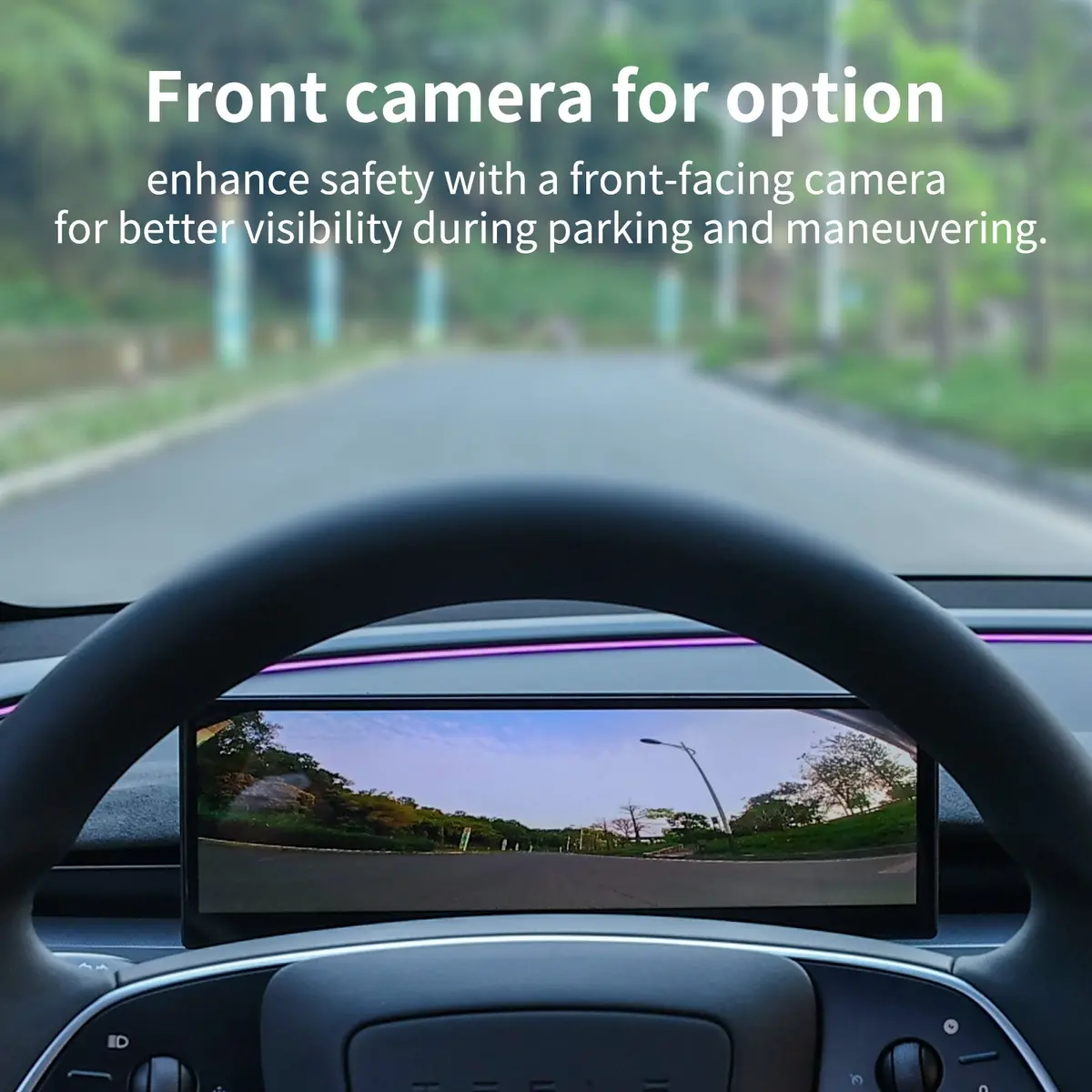
Front Blind Spot View
Optional 1080P front camera enhances parking safety and reduces blind spots.
Design Details
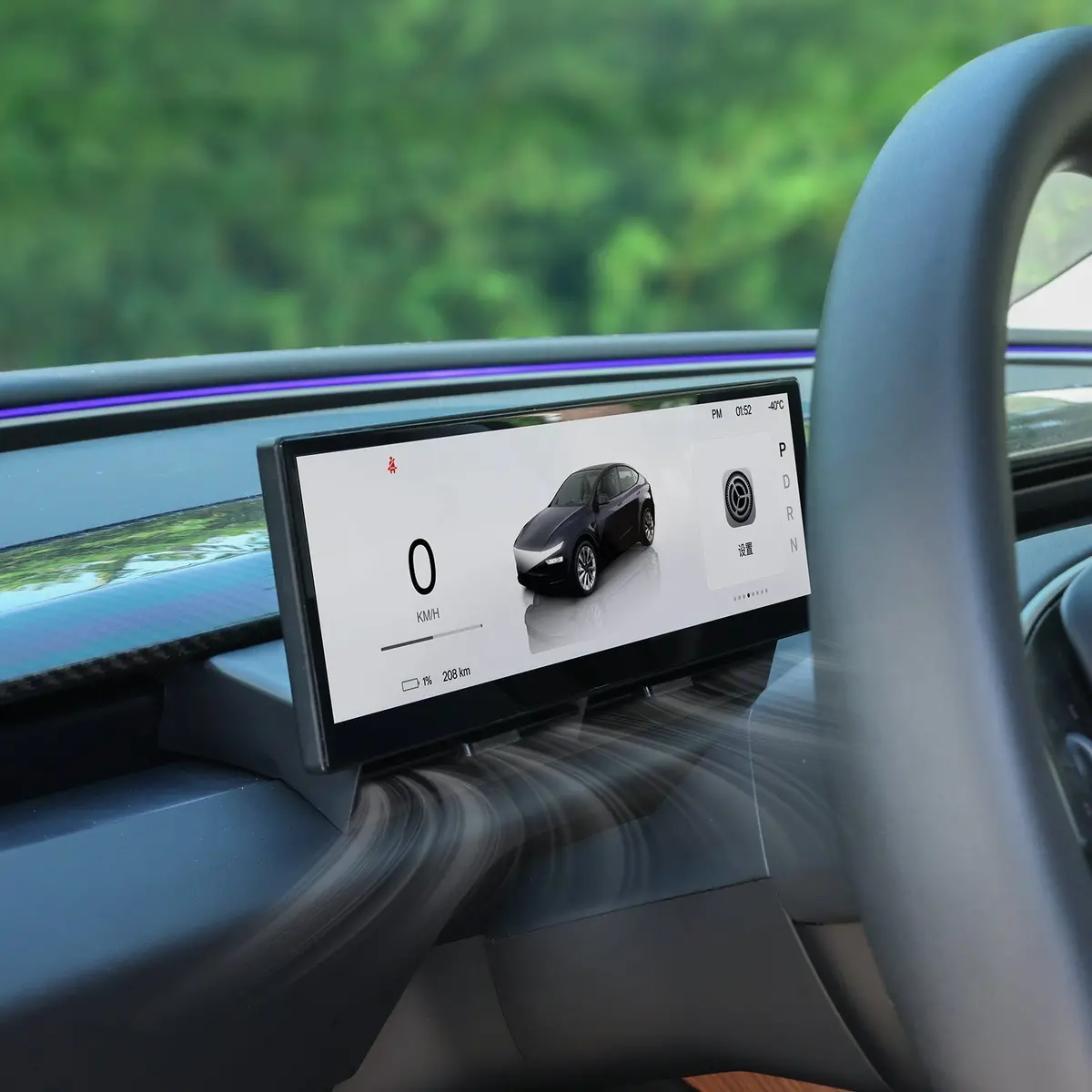
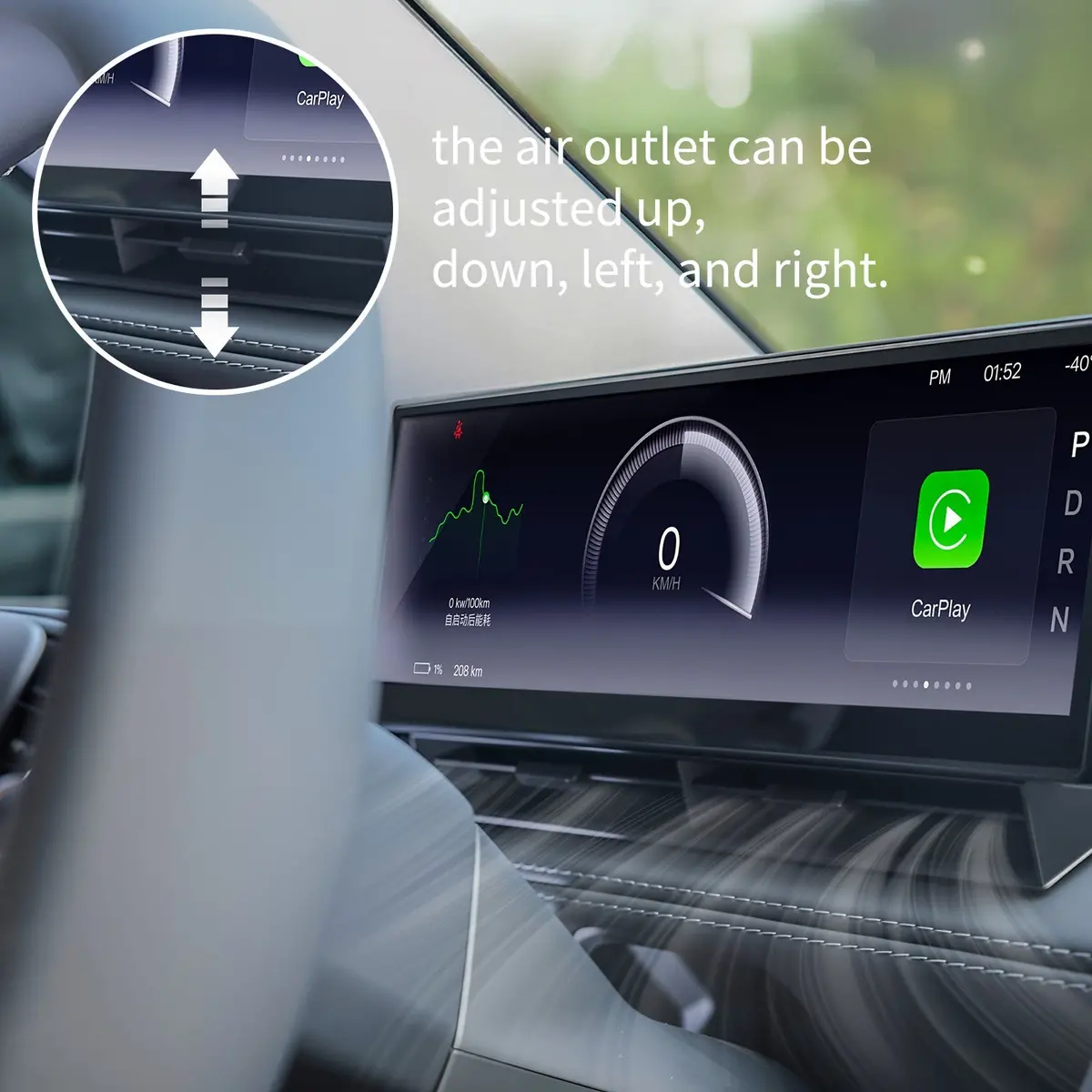
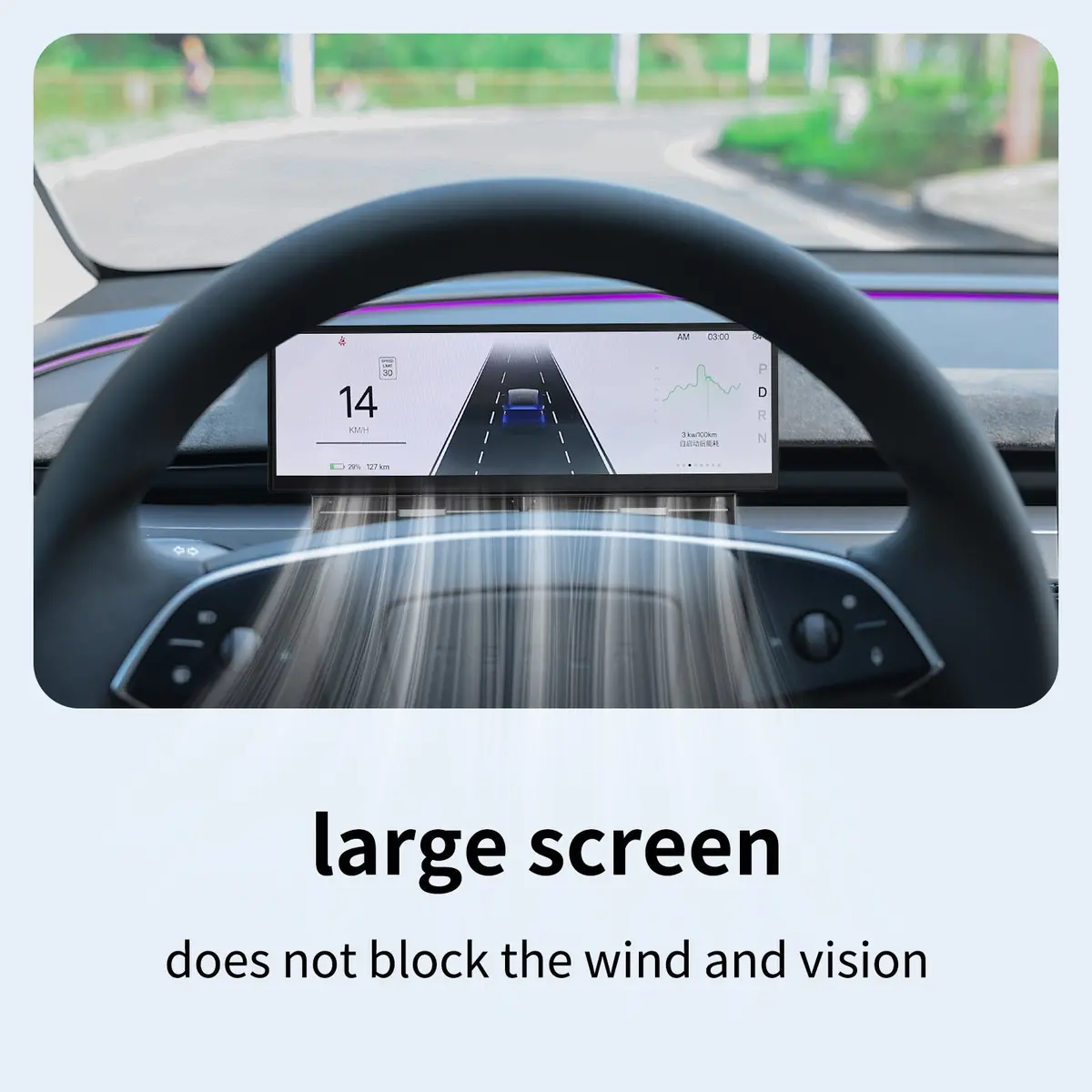
Invisible Airflow
Optimized vent design ensures original AC airflow remains unblocked and comfortable.
Native UI Aesthetic
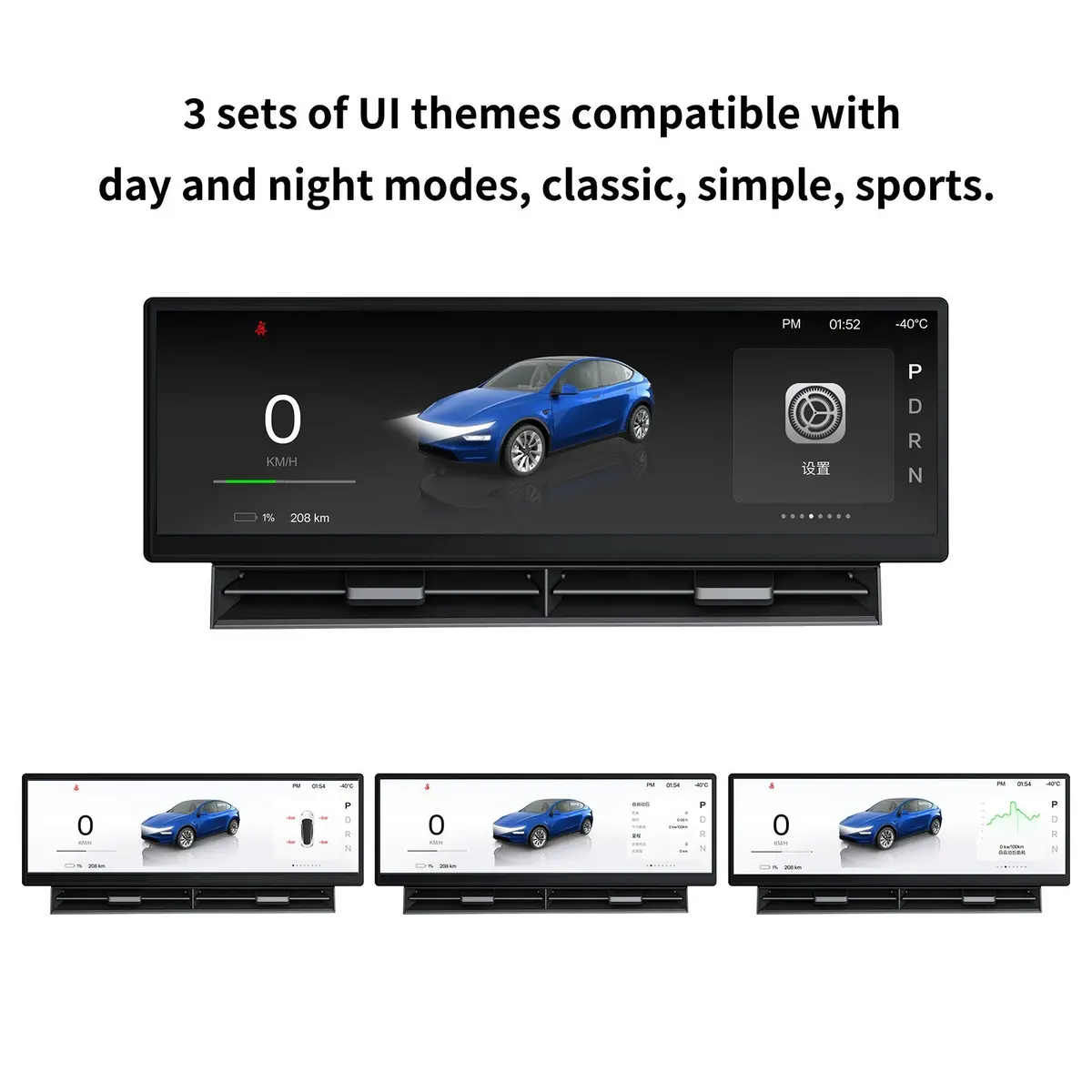
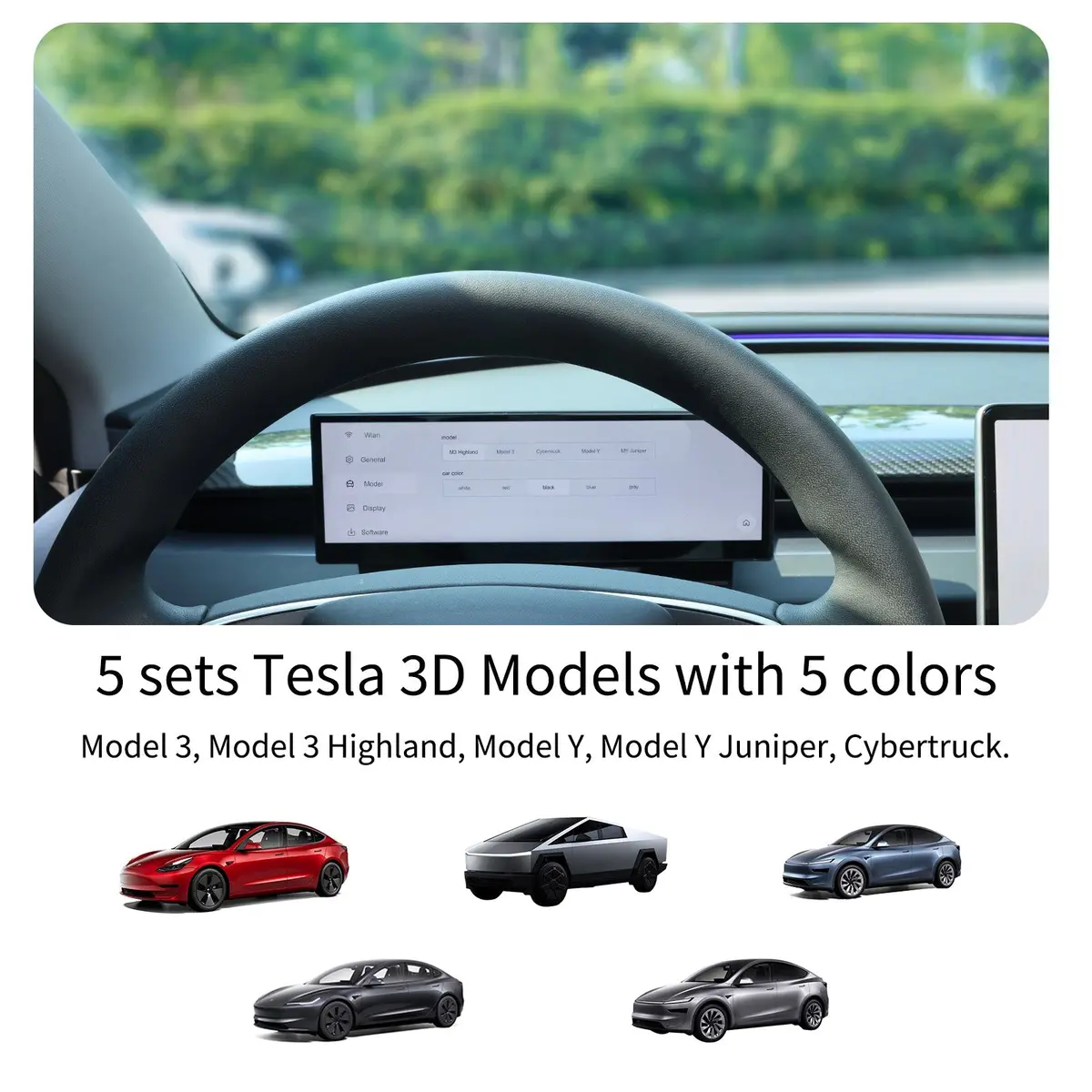
Minimalist interface designed to blend perfectly with the original Tesla system.
Adaptive Brightness
Automatically adjusts between day and night modes for eye-friendly clarity.
Scroll Wheel Control
Fully compatible with steering wheel controls—keep your hands on the wheel.
Non-Destructive Install
Plug-and-play connectors. No drilling or wire cutting required.
Tech Specs
Display
- Size: 10.88 Inches
- Resolution: 1920 × 535
- Brightness: 1000 nits
- OS: Linux System
- CPU: Dual-core + 8GB ROM
Connectivity
- Control: Touch & Scroll Wheel
- Updates: OTA (Over-the-Air)
- Audio: Independent/Original
- Phone: CarPlay, Android Auto
- Mirroring: AirPlay, Miracast
Safety & Features
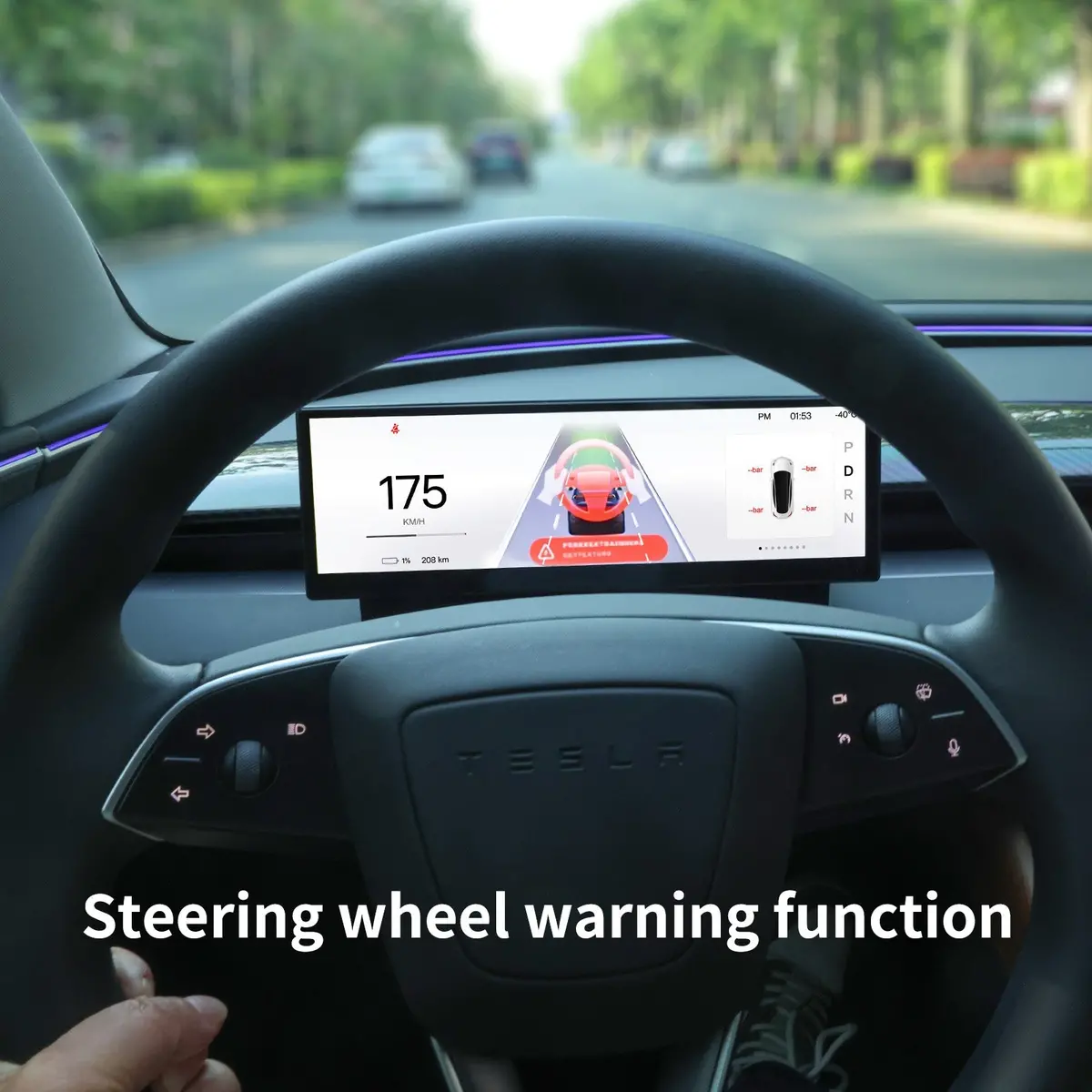
- Data: Speed, Gear, Battery
- Alerts: Speed, Belt, Pressure
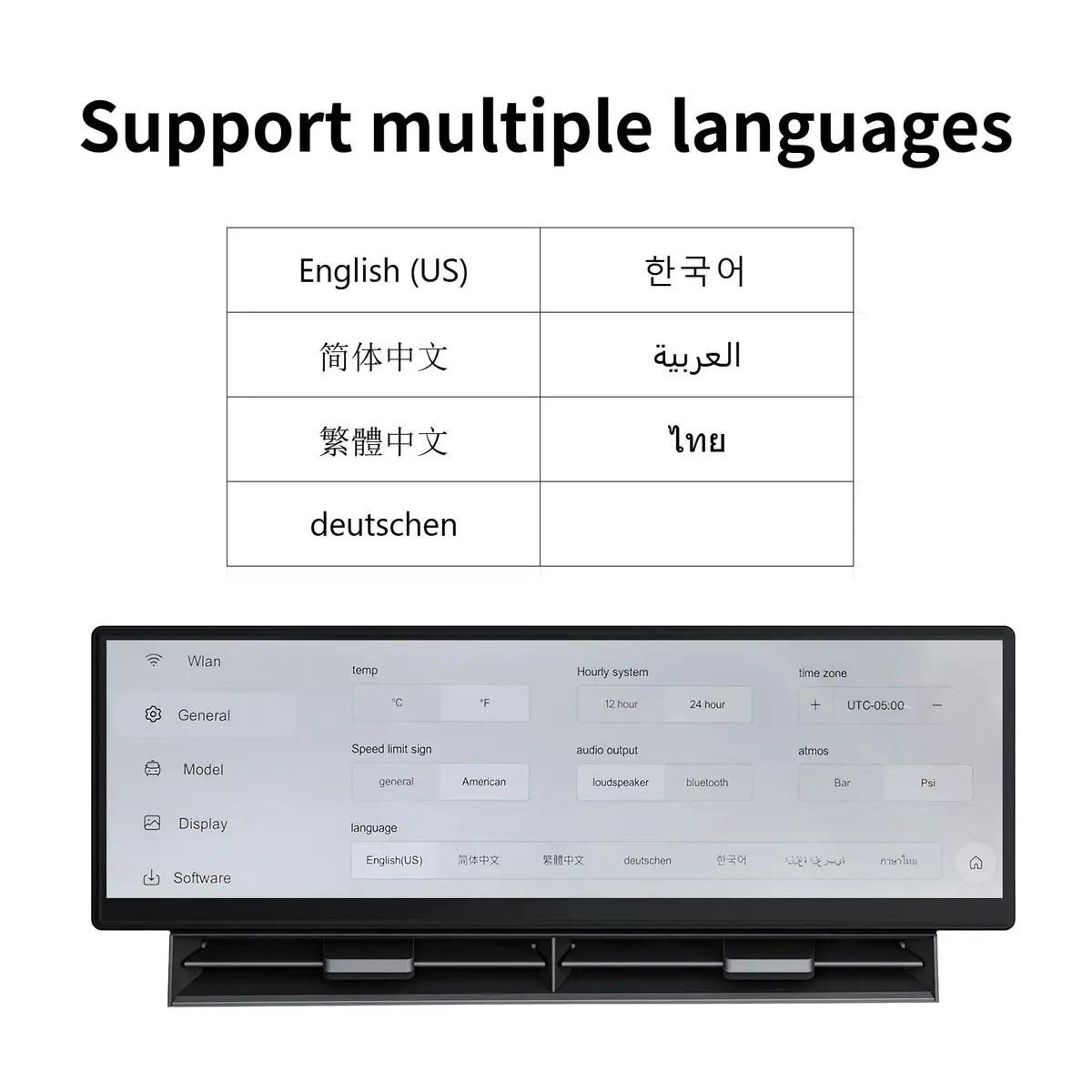
- Language: Multi-language
- Camera: Optional Front Cam
- Install: Plug & Play
Installation & User Manual
Comprehensive PDF guide with photos and diagrams.
Download PDF Guide Step-by-step Photos Wiring Diagrams Troubleshooting
Vehicle Compatibility
Model 3 Highland / Y Juniper
2024+ (LHD & RHD Supported)
Model 3 / Model Y (Legacy)
2017-2024 (LHD Only)
Frequently Asked Questions
Q: Can I use CarPlay and Android Auto wirelessly? Yes. This is a core feature that adds the functionality Tesla misses natively. It supports seamless wireless connection. Q: Is installation complex? Do I need to cut wires? It is 100% Plug & Play. It connects via original reserved connectors with no drilling or wire cutting required. Most owners install it in under 1 hour. Q: Will Tesla OTA updates affect the display? Generally, no. Our system runs independently and reads base CAN data. Furthermore, the dashboard itself supports OTA updates to adapt to future changes. Q: Is there any lag in operation? No. The high-performance dual-core chip and Linux OS ensure zero-latency synchronization with your vehicle’s data. Q: Will this void my vehicle warranty? The non-destructive installation is fully reversible and typically does not void the vehicle warranty. It can be removed easily before service if needed. Plug & Play OTA Updates Non-Destructive Wireless Sync Tesla Model 3 dashboard, Tesla Model Y instrument cluster, 10.88 inch touchscreen, Tesla CarPlay, Android Auto Tesla, Tesla dashboard upgrade, Model 3 screen replacement, Tesla aftermarket display, HD instrument cluster, Tesla OTA updates, wireless CarPlay Tesla, Tesla CAN bus integration .product-description-wrapper * { box-sizing: border-box; } .clean-card { background: #fff; border-radius: 16px; overflow: hidden; border: 1px solid rgba(0,0,0,0.05); box-shadow: 0 4px 24px rgba(0,0,0,0.04); transition: transform 0.3s cubic-bezier(0.25, 0.8, 0.25, 1), box-shadow 0.3s ease; } .clean-card:hover { transform: translateY(-5px); box-shadow: 0 12px 32px rgba(0,0,0,0.08); } .video-wrapper { position: relative; padding-bottom: 56.25%; height: 0; background: #000; } .video-wrapper iframe { position: absolute; top: 0; left: 0; width: 100%; height: 100%; border: none; } .card-text { padding: 20px; text-align: center; } .card-icon { margin-bottom: 10px; display: inline-block; padding: 8px; background: #F0F5FF; border-radius: 50%; line-height: 0; } .card-text h4 { margin: 0 0 6px 0; color: #1d1d1f; font-size: 1.1em; font-weight: 600; } .card-text p { margin: 0; color: #6c757d; font-size: 0.9em; } .feature-box { background: #fff; padding: 30px; border-radius: 18px; border: 1px solid rgba(0,0,0,0.04); text-align: center; transition: all 0.3s ease; } .feature-box:hover { border-color: #0056B3; background: #F0F5FF; } .icon-svg { margin-bottom: 15px; display: inline-flex; align-items: center; justify-content: center; color: #0056B3; } .feature-box h3 { margin: 0 0 10px 0; font-size: 1.25em; color: #1d1d1f; font-weight: 600; } .feature-box p { margin: 0; color: #495057; line-height: 1.5; font-size: 0.95em; } .detail-card { background: #fff; padding: 25px; border-radius: 14px; box-shadow: 0 2px 10px rgba(0,0,0,0.02); } .detail-card h4 { margin: 0 0 8px 0; font-size: 1.1em; font-weight: 600; } .detail-card p { margin: 0; color: #495057; font-size: 0.95em; line-height: 1.5; } .spec-column { flex: 1; min-width: 250px; padding: 30px; border-right: 1px solid #f0f0f0; } .spec-column:last-child { border-right: none; } .spec-column h4 { color: #0056B3; margin: 0 0 20px 0; font-size: 1.1em; } .spec-column ul { list-style: none; padding: 0; margin: 0; } .spec-column li { margin-bottom: 10px; color: #495057; font-size: 0.95em; display: flex; justify-content: space-between; border-bottom: 1px solid #f9f9f9; padding-bottom: 5px; } .spec-column li strong { color: #1d1d1f; font-weight: 600; } .download-btn-clean { display: inline-block; background-color: #0056B3; color: white; padding: 14px 35px; border-radius: 30px; text-decoration: none; font-weight: 500; font-size: 1.05em; transition: background-color 0.2s ease; } .download-btn-clean:hover { background-color: #004494; text-decoration: none; color: white; } .compat-card { background: #fff; border: 1px solid #e5e5e5; padding: 25px 40px; border-radius: 14px; text-align: center; min-width: 280px; } .check-icon { display: inline-flex; align-items: center; justify-content: center; width: 40px; height: 40px; background-color: #F0F5FF; border-radius: 50%; color: #0056B3; margin-bottom: 15px; } .compat-card h4 { margin: 0 0 5px 0; color: #1d1d1f; } .compat-card p { margin: 0; color: #6c757d; font-size: 0.9em; } .faq-item-clean { margin-bottom: 15px; background: #fff; border-radius: 12px; border: 1px solid #f0f0f0; overflow: hidden; } .faq-q { background: #F5F7FA; padding: 18px 25px; font-weight: 600; color: #1d1d1f; border-bottom: 1px solid #f5f5f5; } .faq-a { padding: 20px 25px; color: #495057; line-height: 1.6; font-size: 0.95em; } .trust-item { text-align: center; min-width: 120px; } .trust-icon { margin-bottom: 10px; color: #1d1d1f; display: flex; justify-content: center; } .trust-item strong { display: block; color: #1d1d1f; font-size: 0.9em; } @media (max-width: 768px) { .section-container, .advanced-features, .operation-instructions, .trust-section { padding: 40px 20px !important; } .spec-column { border-right: none; border-bottom: 1px solid #f0f0f0; padding: 25px 20px; } }
Explore more from our collection.
Reviews
There are no reviews yet.